
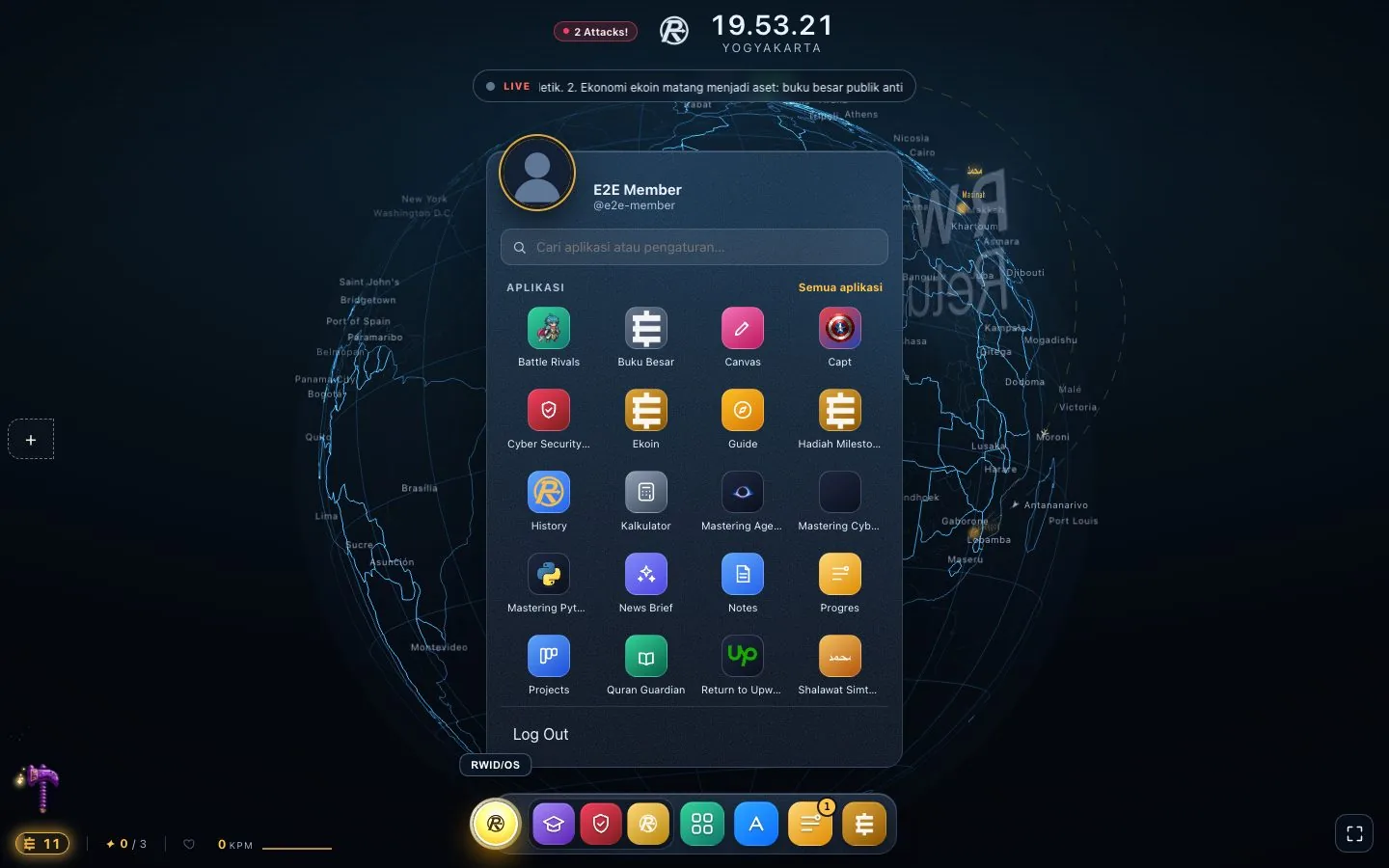
Start menu
Find apps, open documents, and switch between windows from one place, like on an ordinary computer.
RWID/OS that you can open right now, in your browser.
One desktop for learning and creating: ecobooks, notes, an ekoin wallet, and research tools in tidy windows. The experience matches native RWID/OS, so the habits you build here carry over.
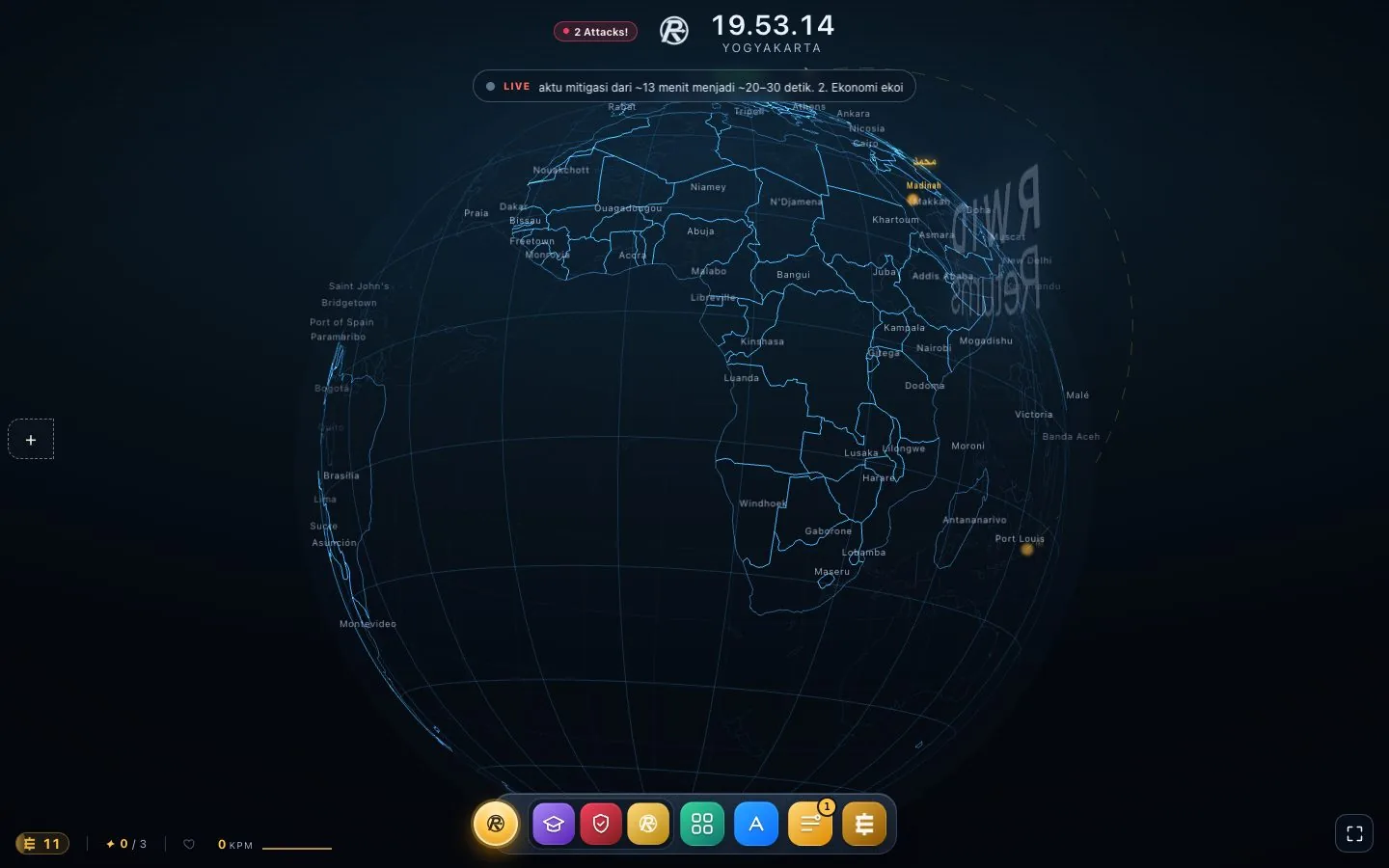
One shell, two ways to open it: in the browser today, or as an operating system on your device later.
The dock, start menu, windows, and settings are the same as on native RWID/OS. What you learn in the browser applies directly on the device.
Open it from the browser on any laptop or computer. No downloads, no installation.
Sign in with Google. Your account, ekoin, and ecobooks are the same wherever you open it.
Find apps, open documents, and switch between windows from one place, like on an ordinary computer.
Add apps as you need them and remove the ones you do not use. The ecobooks you buy appear here.
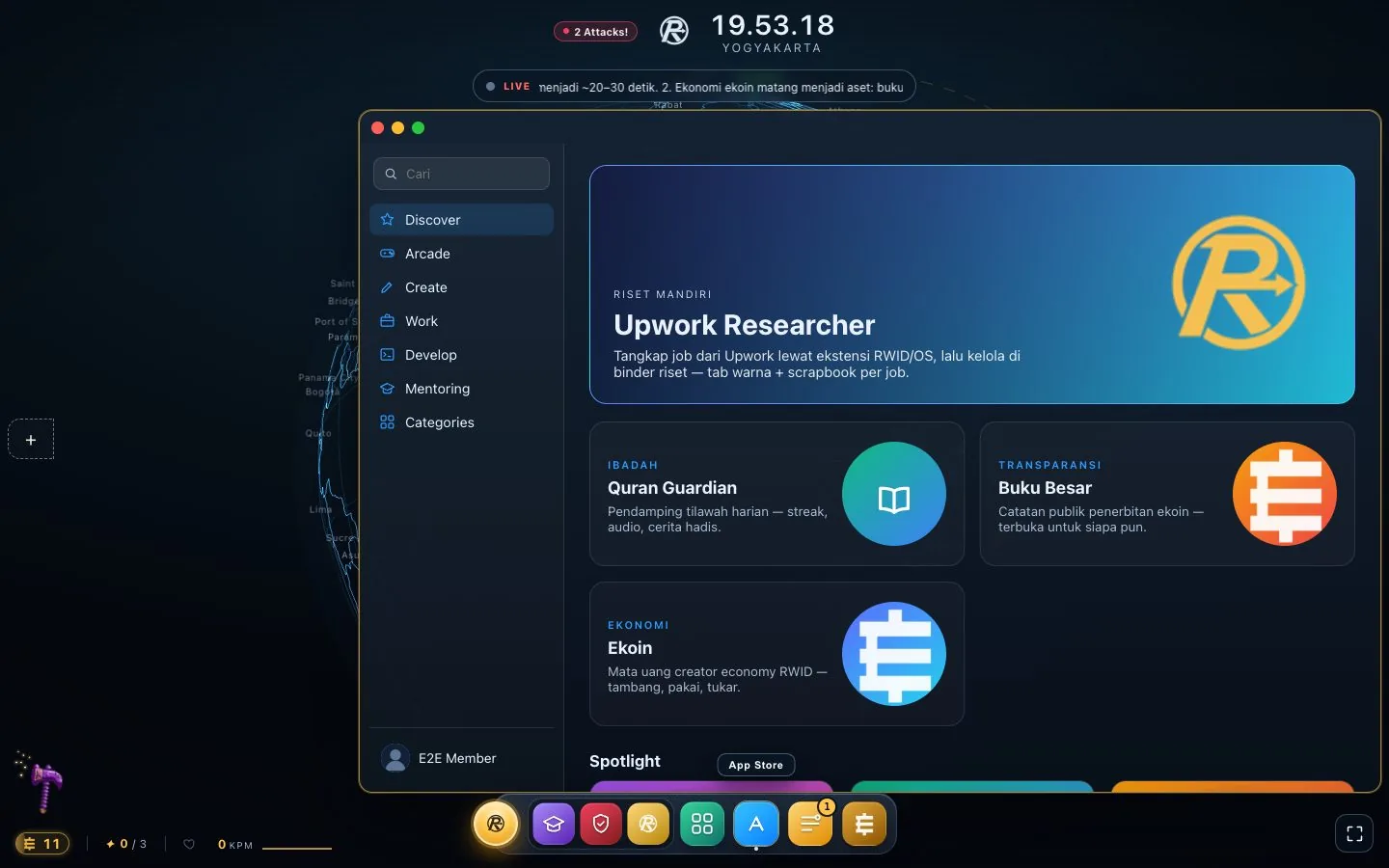
Built-in apps and those you can add from the App Store.
Interactive books with an AI assistant, such as Python and Return to Upwork!, with an IDE right inside the window.
Personal notes saved to your account.
A daily news summary on AI and remote work, published at 07:00 WIB.
Upwork demand by category, updated every day.
The ekoin wallet: balance, bonus claims, and transaction history.
Real-time chat between RWID members.
A lightweight browser with multiple tabs and windows.
Free drawing and a calculator, for small everyday needs.
RWID/OS is the version installed on a laptop that runs without internet. It is still under heavy development, and RWID WebOS is the best way to get to know it now.
See the RWID/OS status →Sign in with Google, claim ekoin for a new account, and start with your first ecobook.