Why we built ShowIt
We record a lot of tutorials and presentations for RWID classes. Our screens are big, while a video that is pleasant to watch is 1920×1080. Recording the whole screen gives a video with tiny text, full of windows that have nothing to do with it.
Recording part of the screen is a hassle too. Windows have to be sized to fit the recording area, and the maximize button always makes them fill the whole screen. The camera needs a tidy frame, the mic volume changes by itself after an online meeting, and once the recording app crashes, half an hour of recording is lost with it.
We tried what already existed. The built-in macOS recorder has no notion of a fixed work area. OBS is complete, but it takes a lot of setup for one simple presentation. So we built the tool we needed ourselves: one 1920×1080 work area on the screen, and one key to record it.


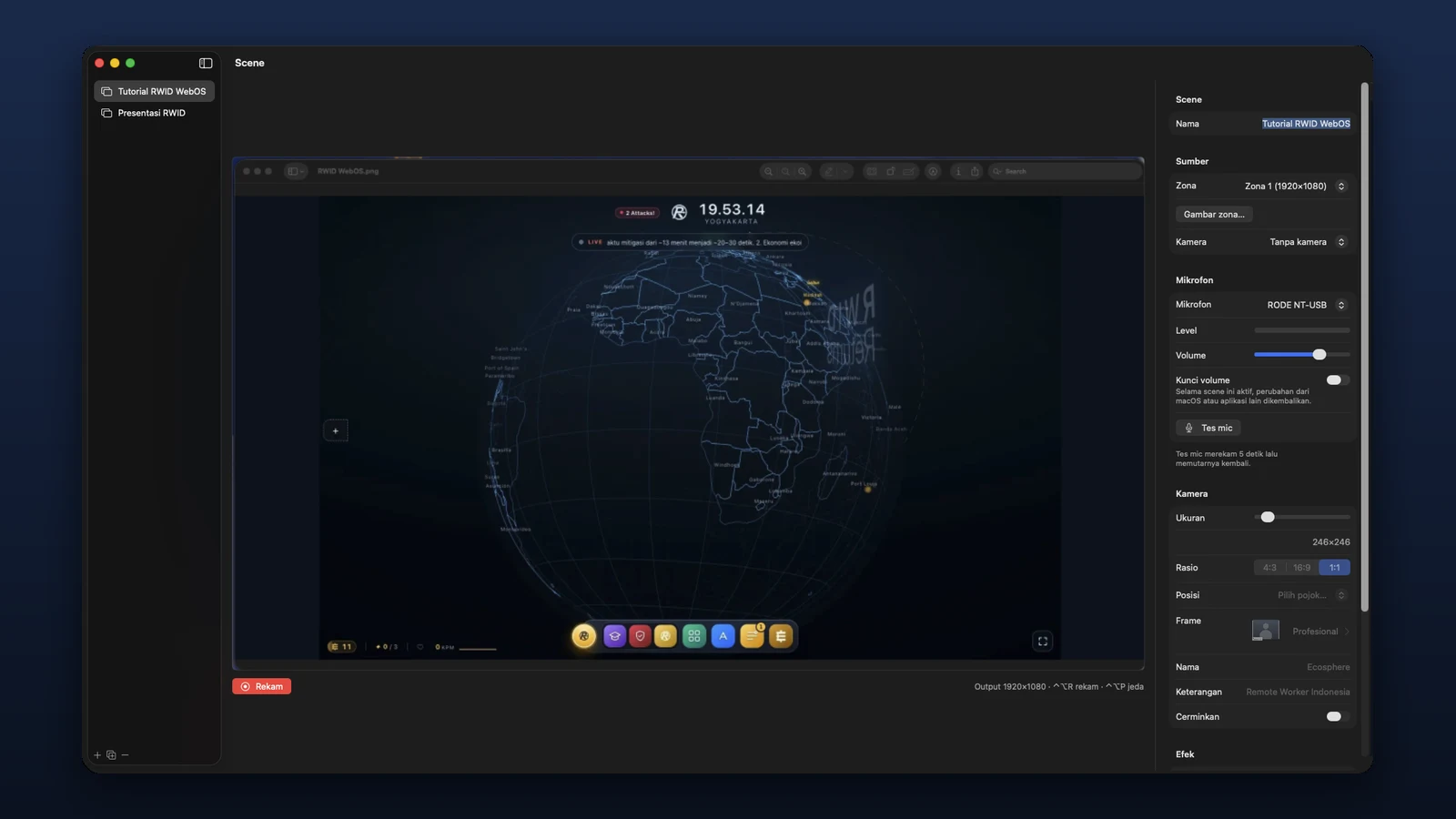
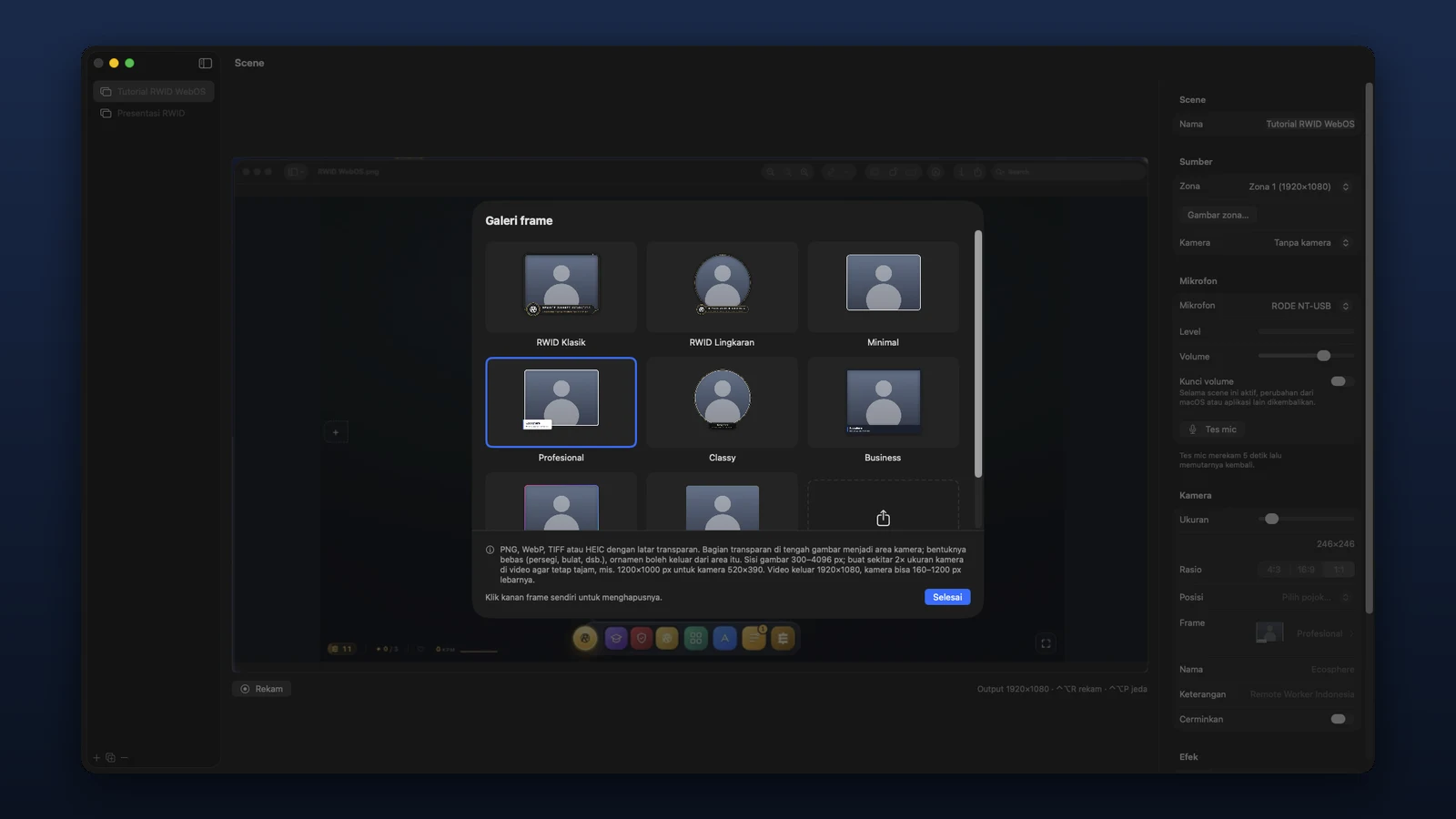
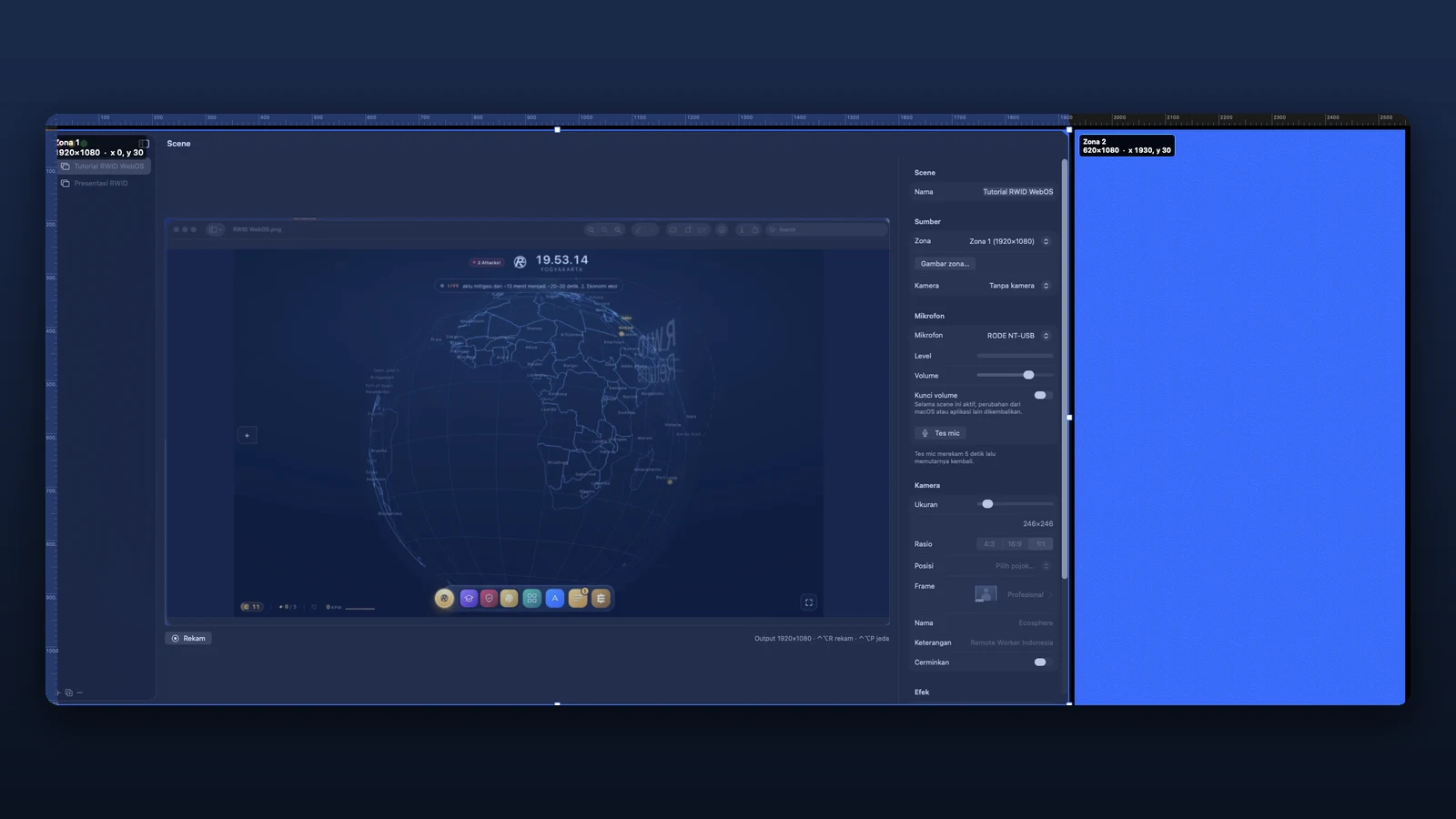
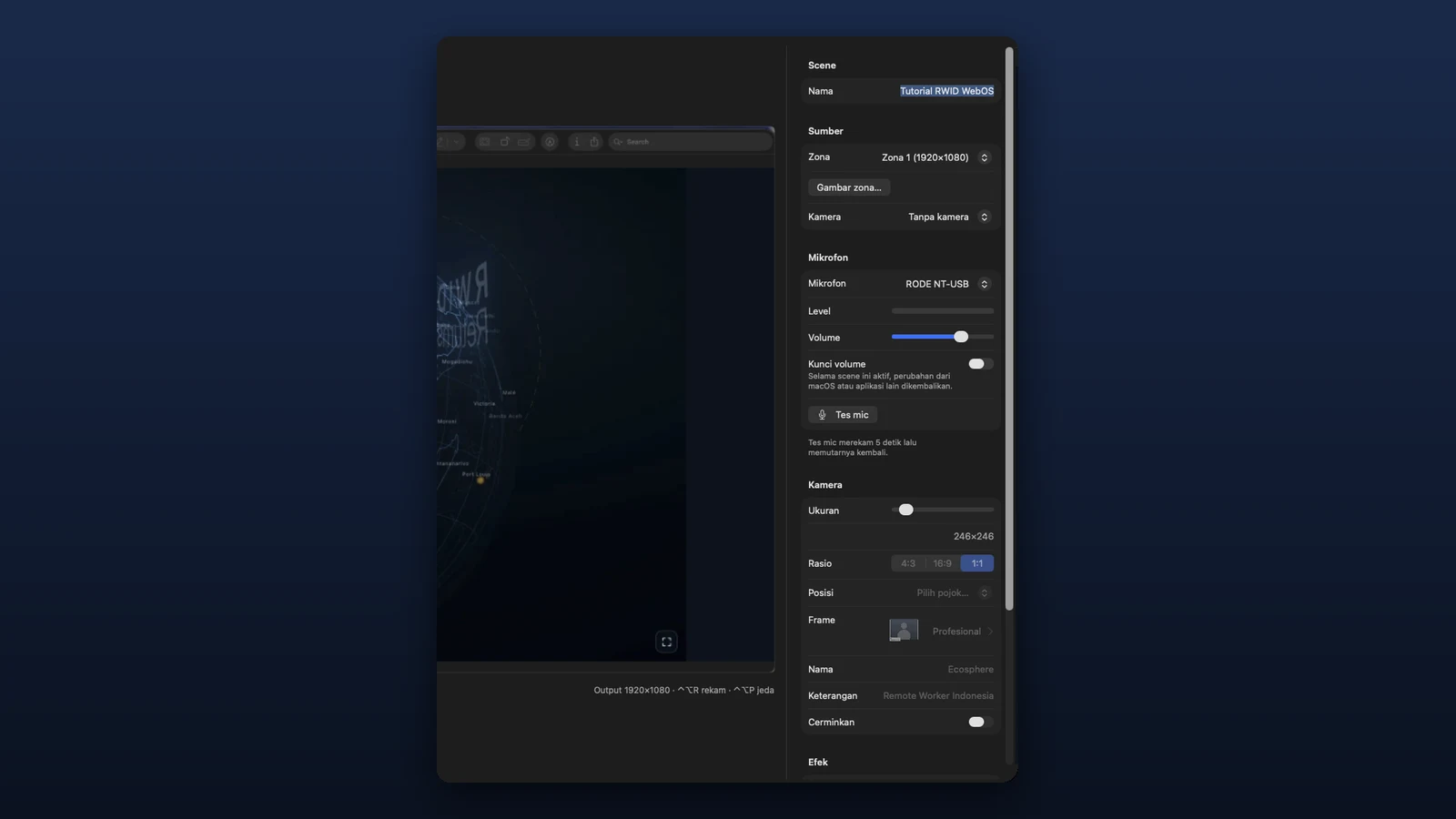
 ShowIt for macOS